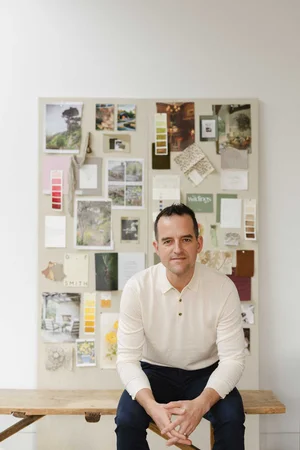
Squarespace vs Webflow vs WordPress: the smart choice for design studios
For most architecture, interior design and garden design studios, Squarespace is the best website platform. It gives you a professional, easy to maintain portfolio without the plugin risks of WordPress or the developer dependency of Webflow. WordPress and Webflow both have their place, but for a service-based design business, Squarespace wins on reliability and ease of use.
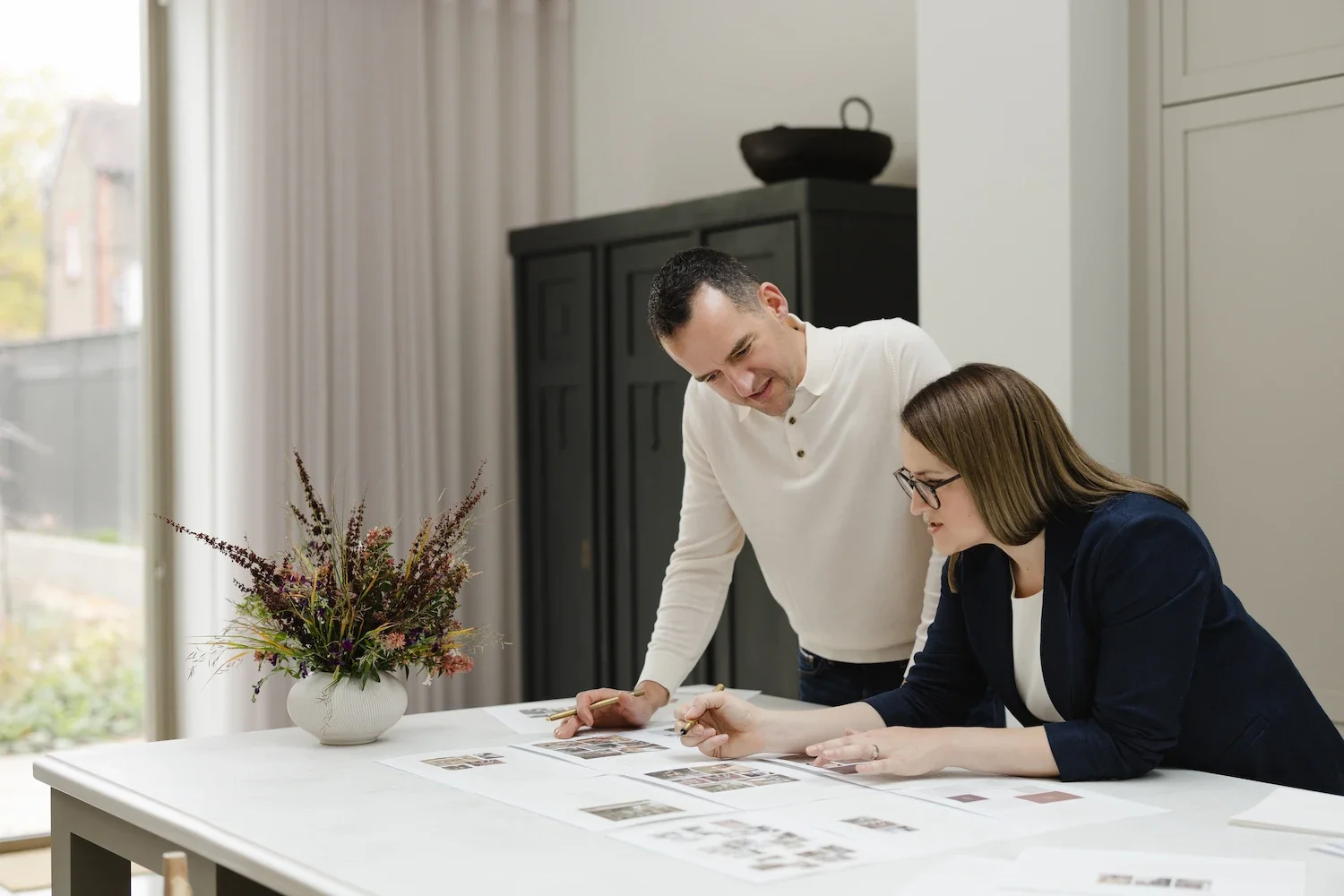
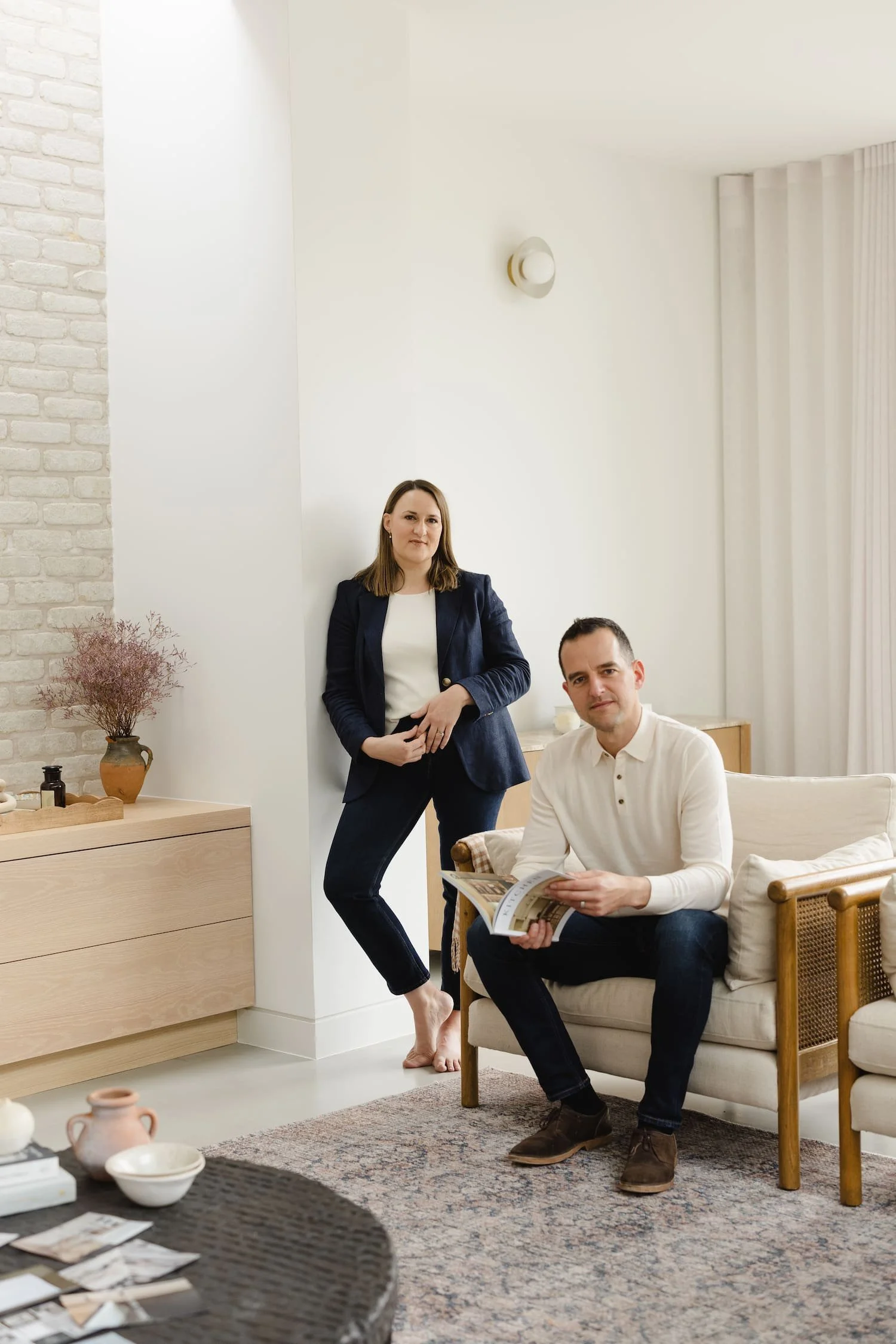
Simon and Rachael reviewing initial layout concepts and wireframes during a website design session
Key takeaways: best website platform for designers
Squarespace is the pragmatic default for most architecture, interior design and garden design studios, not because it's the most powerful platform, but because it removes the burden of maintenance and security that WordPress and Webflow both come with
WordPress's plugin dependency doesn't stay static: every unsupported or out-of-date plugin becomes a growing risk to your site's security and speed the longer it goes unmaintained
Webflow's real value lies in direct control over ‘box models’ (HTML and CSS tools aimed at developers), which explains why the animation features that agencies love rarely influence a high-ticket client's decision to hire a spatial designer
Premium clients evaluate a business’ portfolio on positioning, photography and process, not on the platform behind it, so a well-structured Squarespace site will consistently outperform an over-engineered custom build
A custom build or Webflow website only earns its cost when there's a genuine functional need, such as a client portal or e-commerce logic, not because it looks more sophisticated
Why do web developers and agencies push complex platforms on design-led businesses?
Technical comparisons focus on software features rather than business utility
Most platform comparison guides judge websites on technical grounds: custom breakpoints, animation capabilities, plugin ecosystems. None of that tells you what you actually need to know. If you're a spatial designer (an architect, an interior designer, a garden designer) this kind of comparison does you no favours. Your studio website isn't meant to be a complex piece of software. It's a trust-building portfolio and enquiry machine. Judging a platform purely on technical capability skips the question that actually matters: does it help you attract better clients?
Over-engineered websites create an ongoing 'friction tax' on studio time
When your website needs a developer's input for every small change, or a complex layout system just to update a project page, your portfolio maintenance slips. Weeks turn into months. That's the friction tax of an over-engineered site: the drain on your time and budget from troubleshooting software or paying for a developer retainer, none of which goes anywhere near the marketing that actually brings in revenue. The best platform for a design-led business is the one that lets you upload a new case study yourself (or any other minor day-to-day task), without worrying that you'll break the layout or spend your evening fixing it.
The takeaway: A studio website's job is to build trust and generate enquiries, not to demonstrate technical sophistication.
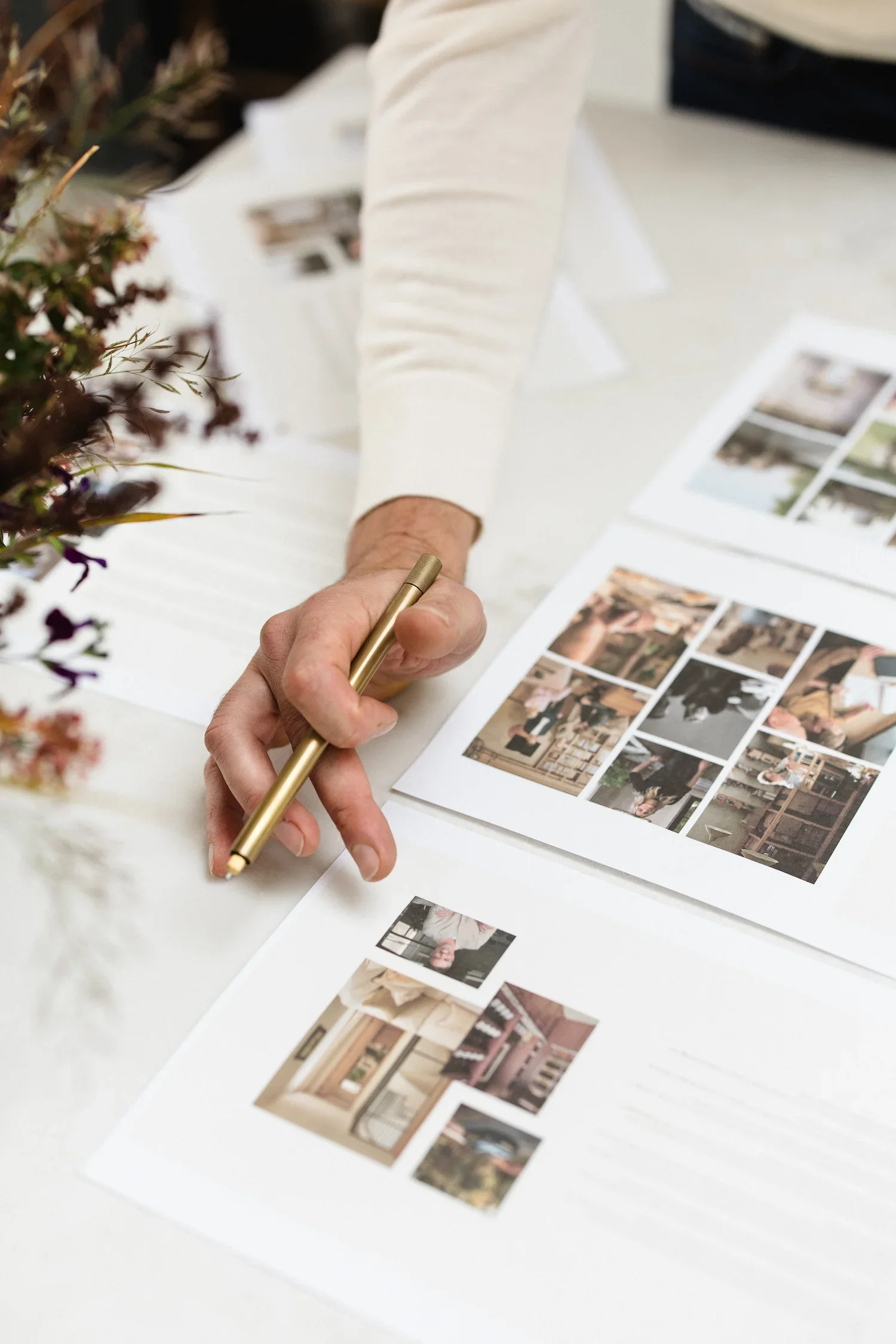
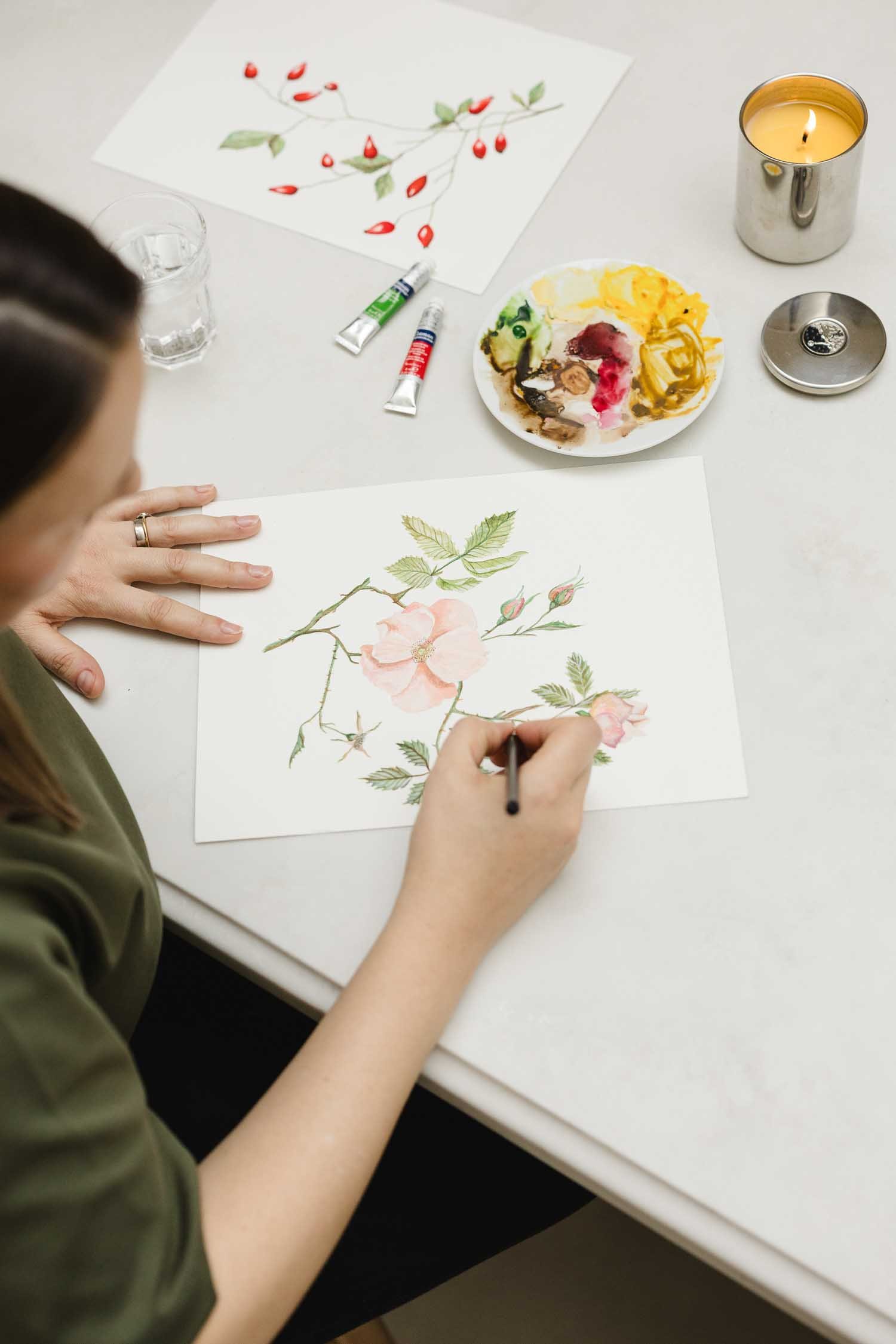
A close-up look at curating visual direction and mood boards for an interior design website
What makes Squarespace the smart default for most design studios?
No server management protects your studio from maintenance costs
Squarespace is a fully managed, closed ecosystem. Security fixes, hosting, platform updates: all handled behind the scenes, without you lifting a finger or setting a single reminder. Unlike open-source setups, you'll never be dealing with broken plugins, database issues or a site that's suddenly gone down.* That reliability means you can put your energy where it belongs: delivering client work, developing new business and marketing yourself, rather than fiddling with the backend of your own website (or paying someone else to).
*Outages do happen occasionally on Squarespace, but they're rare, fixed quickly and usually tied to planned updates rather than random faults or security breaches.
User-friendly tools maintain the design layout when you update case studies
Squarespace's drag-and-drop editor means you don't need to be technical to publish safely: new photography, a fresh case study, a blog post you've been meaning to write. If you're an architect, interior designer or garden designer, you can keep your branding consistent (styled headings, grid alignment, full-bleed imagery that scales automatically across screens) without getting derailed by troubleshooting when something doesn't behave. Most people who neglect their website aren't lazy. They're afraid of breaking it. Take that fear away and you're far more likely to keep your website’s portfolio current, which is exactly what your marketing needs.
The takeaway: Squarespace removes the fear of breaking your own website, which is the single biggest reason design studios stop updating their portfolios.
Why does WordPress create unnecessary risk for service-based designers?
A fragile web of plugins leads to security flaws and slow site speeds
WordPress relies on third-party plugins and visual page builders to do most of the heavy lifting: your portfolio grid, your image galleries, your contact forms. Each one is a dependency, and dependencies are fragile. One outdated plugin can throw your layout off, slow your image loading right down or open a gap a hacker can exploit. If you're running a busy architecture or garden design practice, keeping on top of constant updates and security patches isn't a one-off job. It's ongoing maintenance you probably weren’t aware you signed up for when you chose your new website platform.
Unlimited flexibility often leads to inconsistent brand presentation
Maximum customisation sounds like a selling point until you're the one using it. Without proper guardrails, every update you or a member of your team makes chips away at consistency: a slightly different font size here, spacing that doesn't quite match there, a project page that's laid out differently from the last one. For a design-led business selling high-ticket work, that loss of visual consistency matters more than it might seem. It quietly tells prospective clients your business is less considered than it actually is.
Where a WordPress website genuinely earns its place
None of this makes WordPress the wrong choice outright. If your studio specifically needs advanced custom features, has a very large content archive, runs a resource library or needs deep blog functionality beyond the basics, WordPress still does that better than most closed platforms. And if you already have a developer on retainer, or someone in-house who enjoys keeping a site maintained, the risks above shrink considerably. The problem isn't WordPress itself; it's WordPress without the ongoing attention it needs.
The takeaway: WordPress rewards studios with dedicated developer support and punishes everyone else with compounding plugin risk.

Rachael working on a website wireframe design
When does Webflow introduce too much operational friction?
Steep learning curves turn visual updates into developer tickets
Webflow is built for professional web developers and digital product designers: people comfortable manipulating box models*, raw HTML and CSS visually. If you run an interior design or spatial practice, even a minor content tweak or an unusual project layout can turn into a frustrating exercise. Unless you've got a dedicated in-house web-savvy administrator, updating your site regularly means taking on an external contractor.
* In CSS, a box model governs how every element on a webpage is sized and spaced. Each element is treated as a rectangular box made up of four layers, from the inside out: Content, padding, border and margin.
Advanced web animations rarely drive high-ticket client decisions
Plenty of agencies will push Webflow on you for its custom 3D interactions and scroll animations. But high-paying clients don't choose a spatial designer because of clever tricks. What they care about is clear positioning, a compelling project story, real testimonials and sharp photography. Spend your budget on over-engineered animations and you'll see little return, especially set against what the same money could do for your brand strategy, copy and messaging.
Where a Webflow website genuinely earns its place
Webflow isn't a bad platform; it's a mismatched one for most design studios. If your practice already employs a web designer or has a technical co-founder who wants precise control over every pixel, that control stops being friction and starts being an asset. It also holds up well for studios that plan to build genuinely custom interactive features (e.g., a project quote builder or a bespoke enquiry tool) rather than a portfolio and contact form. For most architecture, interior and garden design businesses, that's simply not the brief.
The takeaway: Webflow's animation capabilities rarely influence a high-ticket client's decision to hire a spatial designer.
How do premium clients actually evaluate an architectural or interior portfolio?
Positioning and clarity of narrative build far more trust than custom code
Anyone considering hiring an architect or interior studio for a serious project is weighing up your expertise, your process and whether your aesthetic fits their own. Messaging that speaks directly to their specific project type sets you apart from generic competitors instantly. A well-structured Squarespace site with clear brand positioning will generally out-convert an over-engineered custom build.
Plus, if anyone asks about SEO, it’s a clear strategy and high quality content that make the biggest difference for most businesses, not the specific platform.
High-resolution photography and structured case studies drive enquiries
Your prospective clients want proof of your work, shown clearly: full-width imagery and project narratives that tell a compelling story of transformation. Squarespace gives you the clean typographic hierarchy, fast image loading and uncluttered layout that let your photography do the talking. When the presentation gets out of the way, people can focus on what matters: the quality of your work.
The takeaway: Premium clients hire on positioning, process and photography, never on which platform the website runs on.
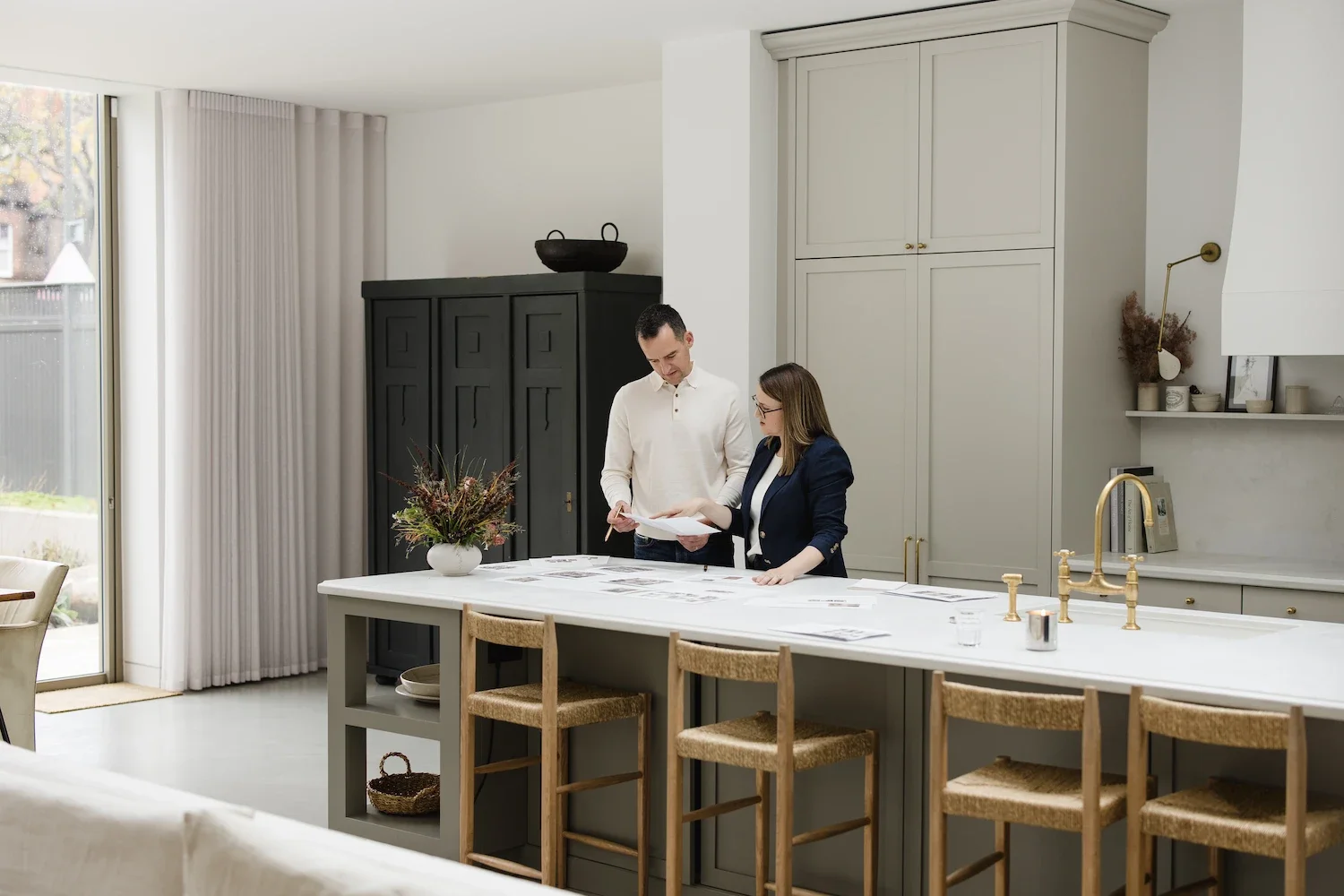
Simon & Rachael working on a full-scale website wireframe in a modern design studio
When should a design practice look beyond Squarespace?
Bespoke functional requirements may justify a custom web build
For most service-based design studios, Squarespace is the pragmatic choice. But some functional requirements change the equation. If your practice needs complex relational databases, custom client portals or deep ecommerce logic for physical products, Webflow or a custom build becomes worth considering. Knowing where that line sits means you only invest in custom development when your business genuinely needs it, not because someone convinced you it looks impressive.
The takeaway: Custom web development only pays off when a genuine functional need demands it, not because it looks more impressive.
So which website platform should you actually choose?
For the vast majority of architects, interior designers and garden designers, Squarespace remains the smartest starting point. It's not the most technically capable platform, and it was never meant to be. What it does is give you a reliable, professional space to show your work and generate enquiries, without turning your website into another job you have to manage.
WordPress can work well if you've got the developer support to maintain it properly, and Webflow earns its place if your practice has genuinely custom needs beyond a portfolio and contact form. But for most service-based design studios, that's the exception rather than the rule.
The platform is only ever half the equation though. A well-built Squarespace site with weak positioning or thin case studies won't outperform a mediocre one on any platform. If you're still deciding which route to take, or you suspect your current site is quietly costing you enquiries regardless of what it's built on, that's worth working through before you touch the platform question at all.
The right website platform is the one that gets out of your way, not the one with the most features.
Frequently asked questions on website platforms
-
Yes. Squarespace handles the two things a design studio's website actually needs to do well: present a portfolio clearly and generate enquiries reliably. Its limitations tend to matter more for e-commerce or highly custom functionality than for service-based studios showcasing project work.
-
WordPress's core software is free, but the plugins, themes and ongoing maintenance it needs aren't, and that maintenance is easy to underestimate. Without a developer keeping on top of updates, WordPress sites tend to accumulate security risk and visual inconsistency over time, which is a poor trade for a studio that just needs a reliable portfolio.
-
Webflow is worth it when your practice has a genuine technical need, such as a custom client portal, complex interactive features, or an in-house team who wants precise design control. If your main requirement is a clean portfolio and enquiry form, that complexity is usually solving a problem you don't have.
Further reading and research
The ideas in this article draw on wider research and industry thinking around garden design, landscape practice and how creative businesses communicate value.
The state of WordPress security
This is the data behind the risk of WordPress: 11,334 new vulnerabilities logged across the WordPress ecosystem in 2025, a 42% rise on the year before, almost all in plugins rather than WordPress core itself.Webflow vs Squarespace: A verdict
An independent, hands-on comparison based on direct testing of both platforms rather than a feature checklist. Worth reading if you want a second opinion - it broadly reaches the same conclusion for small businesses.Designer AI visibility index: Why interior designers and architects are losing UHNW clients to AI bots
A research piece that measures which interior designers and architects actually get surfaced when AI tools are asked for design recommendations, and finds that structured, entity-rich, primary-source content under a designer's own name outperforms editorial coverage alone.
About the author:
Simon Cox is co-founding director of Wildings Studio, a branding and website design studio based in South Devon working with architects, interior designers and garden designers across the UK. He is heavily involved with the studio's content strategy, brand positioning and website projects, including the platform decisions behind Wildings' own site and those of its clients. If you're weighing up your own website platform, our Wildings Studio website design service is a good place to start.





In this article:
Why do web developers and agencies push complex platforms on design-led businesses?
Free download: The website platform fit audit
What makes Squarespace the smart default for most design studios?
Why does WordPress create unnecessary risk for service-based designers?
When does Webflow introduce too much operational friction?
How do premium clients actually evaluate an architectural or interior portfolio?
About the Studio
About Wildings Studio
Wildings Studio is a branding and website design studio based in South Devon, working with architects, interior designers and garden designers across the UK. Website platform decisions like the one covered in this blog are part of our studio's day to day work, alongside brand strategy and SEO, for studios that need their site to generate enquiries rather than just look good.